
Prints & products
Your photos, printed with love.
Order prints, wall art, cards, and mugs right from your albums. Pick the product, the size, and the lab that makes it.
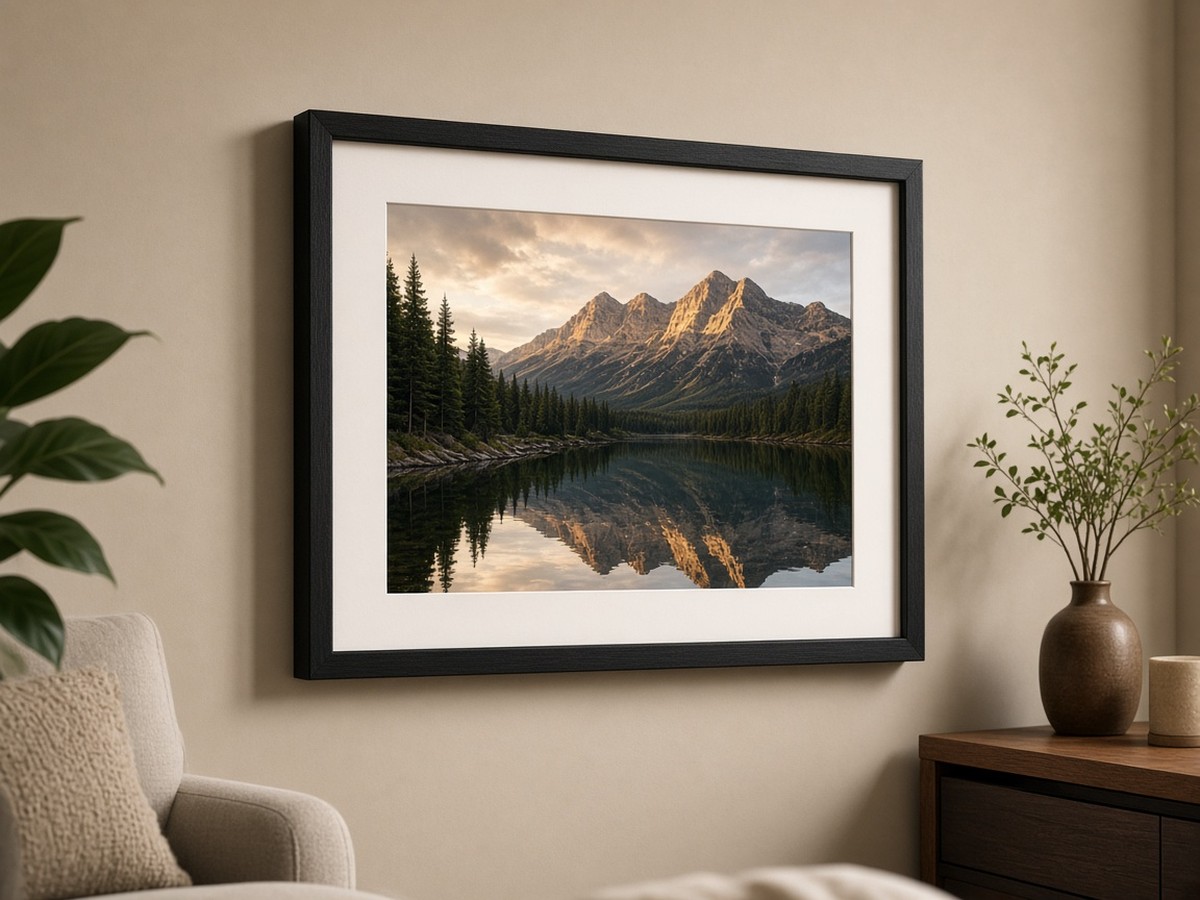
Made to hold, hang, and give.
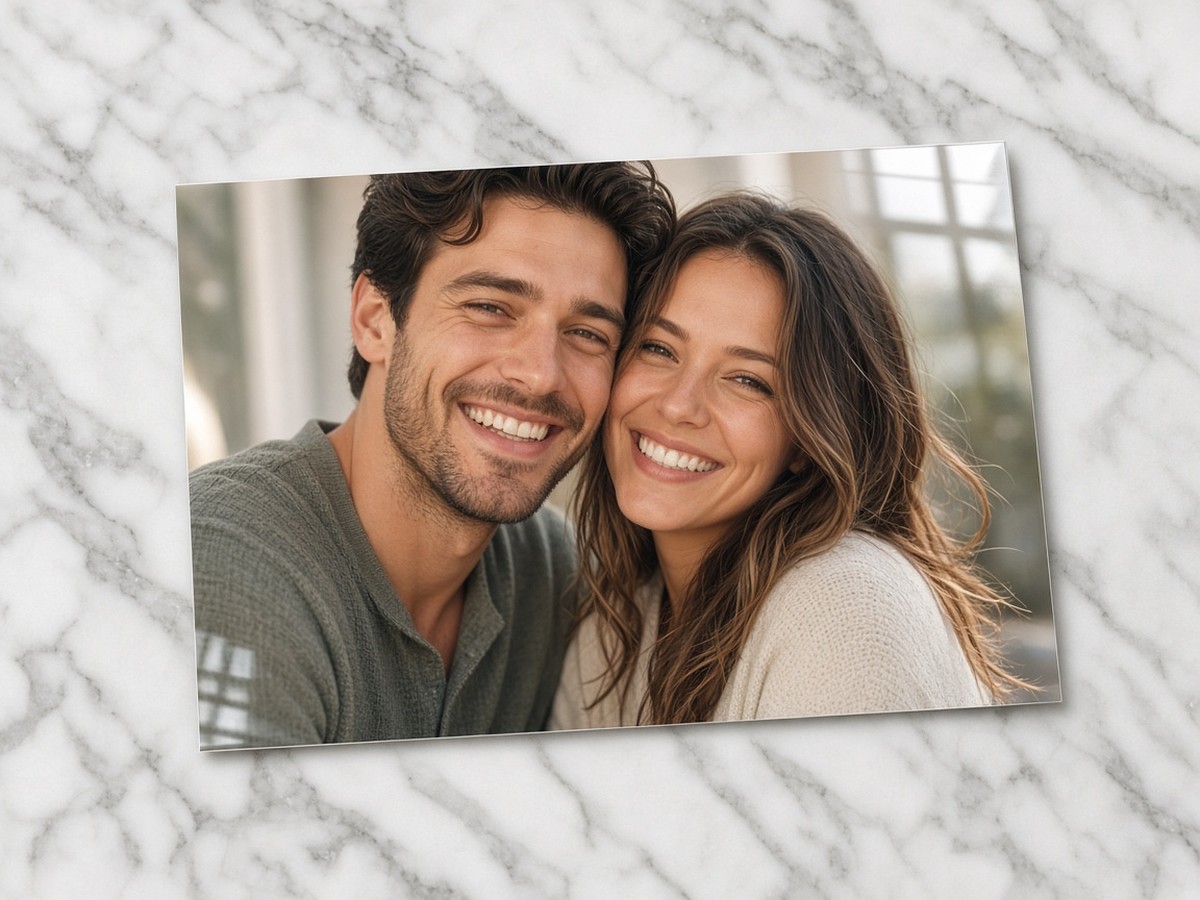
Ten ways to print.
Photo prints from $0.35, plus fine art, canvas, metal, framed, acrylic, cards, posters, and mugs.
See the products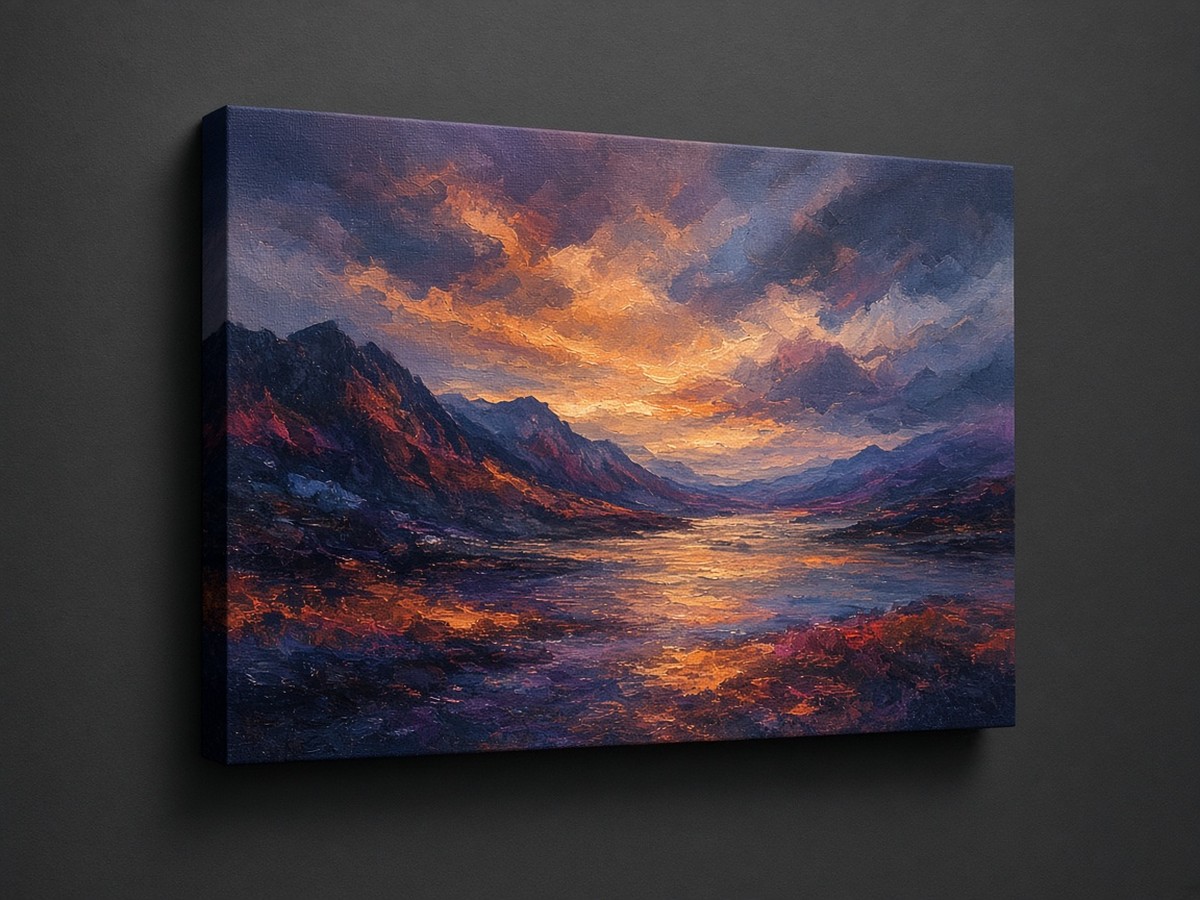
Three labs. Your pick.
See each lab’s price for every size, then choose.
Meet the labs
Framed the way you see it.
Fill or Fit, then drag and zoom until the crop feels right.
Crop and fit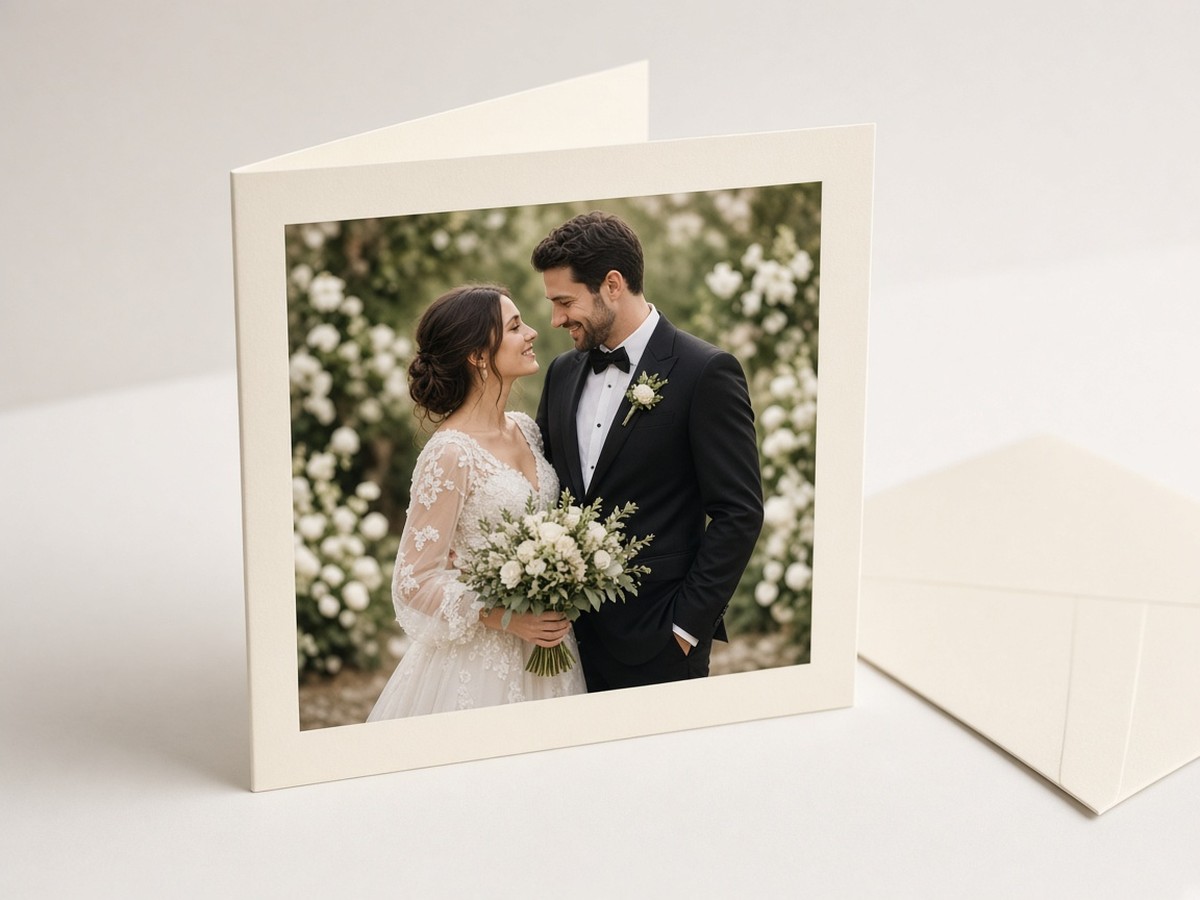
Let guests order, too.
Turn on Prints for an album, and guests can order the photos they can view.
Guest orderingTen products. One checkout.
Live prices, by size and lab. Here’s where each one starts.
- Photo prints
- Photo or Pro paper, glossy or lustre
- from $0.35
- Fine art
- Fine art or cotton photo rag paper
- from $3.99
- Canvas
- Stretched, ready to hang
- from $17.99
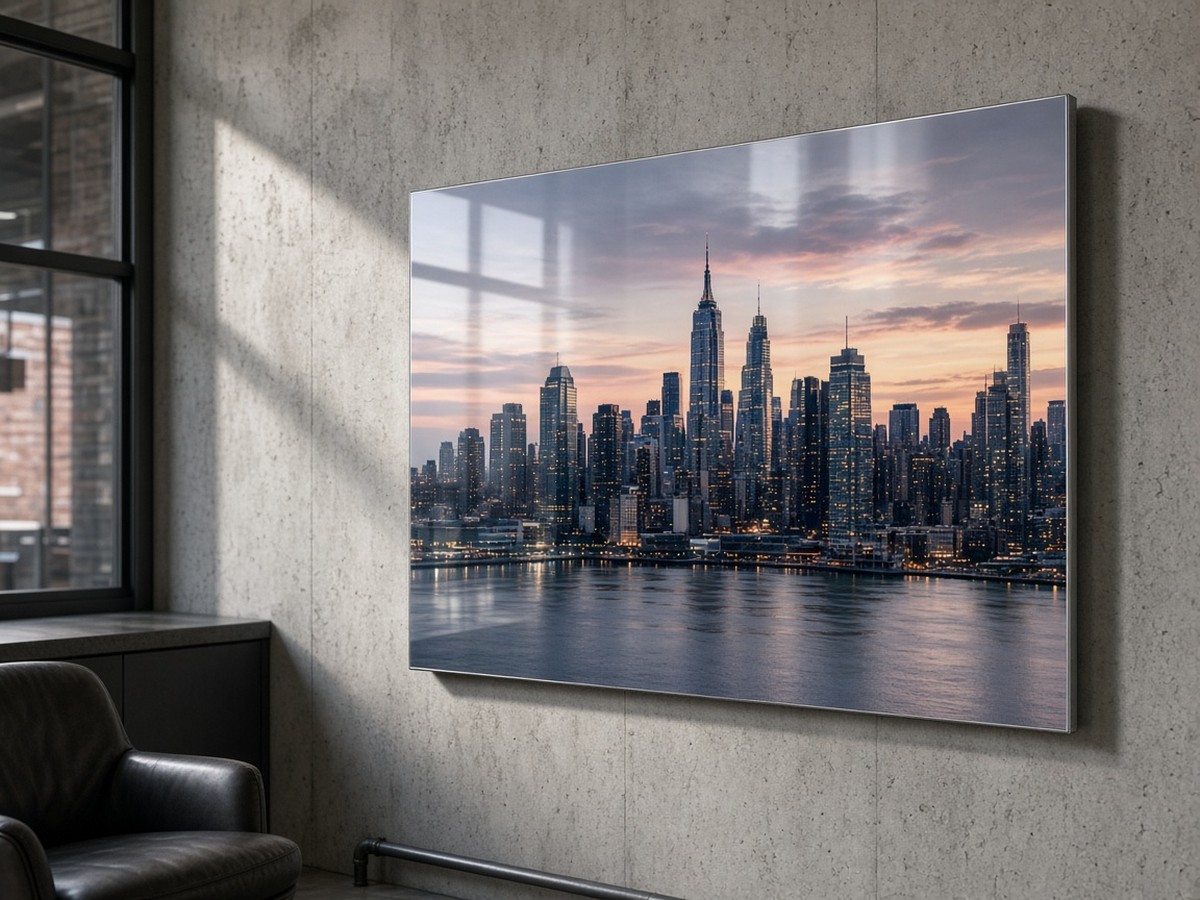
- Metal
- Printed on aluminum
- from $36.99
- Framed prints
- Print and frame, ready to hang
- from $34.49
- Framed canvas
- Canvas in a gallery frame
- from $50.99
- Acrylic
- Behind clear acrylic
- from $43.49
- Cards
- 5×7 packs, with envelopes
- from $21.49
- Posters
- Large poster paper
- from $9.49
- Mugs
- 11 oz or 15 oz ceramic
- from $11.99
Three labs. You choose.
Prodigi, Lumaprints, and Gooten each make your print. You see every lab’s price for each size and pick the one you like. Lumaprints prints in its own lab in Anaheim, California.
How it works.
Open an album
Check the photos you want, or none, then click Order prints.
Choose the product
Pick a type, a size, and the lab.
Crop and add
Use Fill or Fit, set the quantity, and add it to your cart.
Check out
Pick a shipping speed and pay securely by card.
All the options.
Every setting, with step-by-step how-tos.
Order prints from an albumA print workspace that saves your photos.
- Open an album.
- Check the photos you want to print. This is optional.
- Click Order prints. Your print workspace opens.
- Select a photo, choose a product, and add it to your cart.
- Your workspace is saved, so you can come back to it anytime.
- Add more from album brings in more photos. You can remove photos, too.
Order a print of one photoStraight from the photo page.
- Open a photo in the album.
- Choose Order a print.
- Pick the product, size, and lab, then add it to your cart.
Products, sizes, and labsChoose in order: type, size, lab, finish.
- Pick a type, such as Photo prints, Canvas, or Cards.
- Pick a size.
- Pick a lab. Each one shows its own price for that size.
- Choose the extras that product offers: a finish, a canvas wrap, a frame, or a card pack.
Sizes and labs change as the catalog grows. See what’s available today.
Crop, fit, and rotateFrame each print just the way you like.
- Fill
- The photo fills the paper. Drag and zoom inside the print window to crop.
- Fit
- The whole photo, with white borders where the shapes differ.
- Rotate paper
- Switch between portrait and landscape.
- Center
- Re-center the photo.
- Zoom
- Crop in tighter.
- Quantity
- 1 to 99 of each print.
Sharpness checkKnow before you order.
Each size gets a quick check against your photo’s resolution.
- Looks sharp means 300 DPI or more at that size.
- If a size may look soft, you’ll see a note and confirm before you add it.
- Sizes too large for the photo aren’t offered.
Details are in the print policy.
Cart, shipping, and checkoutLive shipping rates and secure card payment.
In the cart, edit or reframe any print before you pay. Checkout shows live rates for three speeds:
- Economy
- 5–9 business days
- Standard
- 3–6 business days
- Express
- 1–3 business days after the lab ships
- Times are typical, not guaranteed.
- Prints from different labs ship separately.
- Tax is calculated at checkout.
- Pay by card through Stripe. ImageEvent doesn’t store your card details.
- Ships within the United States for now.
Order trackingFollow your order from lab to door.
After you pay, you get an order number and a link to its tracking page. It shows production status and the tracking number once the lab ships. We’ll email you when tracking arrives.
Let guests order printsYou decide, album by album.
- Open your album and click Edit Album.
- Under Guests, set Prints to On.
- Click Update Album.
- You can always order prints of your own photos.
- Guests can order only when Prints is on and they can already view the photo.
- Videos, GIFs, and PDFs aren’t offered as prints.
Your photos stay privateShared with the lab only to make the print.
Each photo goes to the lab as an sRGB JPEG over a signed, time-limited link, just for production. Labs get only what they need to make and ship your order.
Reprints and refundsWhen the lab or carrier gets it wrong.
We reprint or refund when:
- The lab damages or misprints a print.
- The wrong photo or size was made.
- The carrier loses the package.
Email orders@imageevent.com with your order number. Read the print policy.