 | 1.
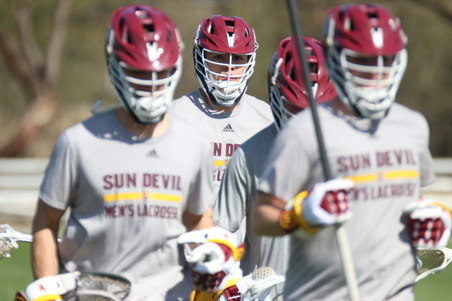
2019-04-13 Senior Day (April 13, 2019)All Photos by Debbie Braasch.
To save a photo to your computer in the high resolution size, double click on the photo you want, it will open in a larger size in a new window. In the new window, at the bottom of the photo, click on "original" and it will again open in a new window in the high res size. Right click and "save as" on the high res size photo and you will have it on your computer. |
| 407 Visits
26 Items
Shared Album | |
|
 | 2.
2019-02-24 Cal Poly (February 24, 2019)All Photos by Debbie Braasch.
To save a photo to your computer in the high resolution size, double click on the photo you want, it will open in a larger size in a new window. In the new window, at the bottom of the photo, click on "original" and it will again open in a new window in the high res size. Right click and "save as" on the high res size photo and you will have it on your computer. |
| 311 Visits
278 Items
Shared Album | |
|
 | 3.
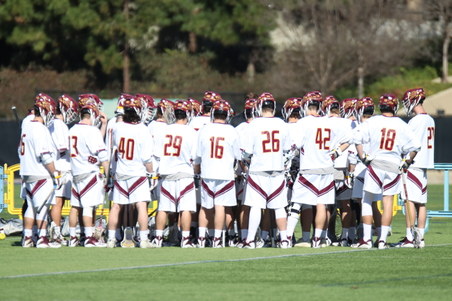
2019-02-17 Cal (February 17, 2019)All Photos by Debbie Braasch.
To save a photo to your computer in the high resolution size, double click on the photo you want, it will open in a larger size in a new window. In the new window, at the bottom of the photo, click on "original" and it will again open in a new window in the high res size. Right click and "save as" on the high res size photo and you will have it on your computer. |
| 373 Visits
274 Items
Shared Album | |
|
 | 4.
2019-02-16 Oregon State (February 16, 2019)All Photos by Debbie Braasch.
To save a photo to your computer in the high resolution size, double click on the photo you want, it will open in a larger size in a new window. In the new window, at the bottom of the photo, click on "original" and it will again open in a new window in the high res size. Right click and "save as" on the high res size photo and you will have it on your computer. |
| 466 Visits
289 Items
Shared Album | |
| |
