 | 1.
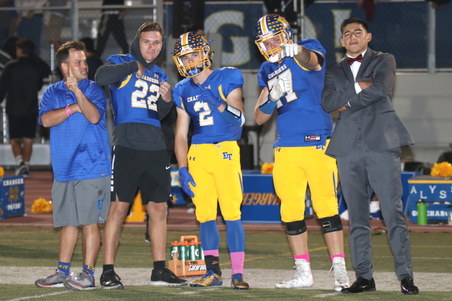
2018-10-26 Capo (October 26, 2018)All Photos by Debbie Braasch.
To save a photo to your computer in the high resolution size, double click on the photo you want, it will open in a larger size in a new window. In the new window, at the bottom of the photo, click on "original" and it will again open in a new window in the high res size. Right click and "save as" on the high res size photo and you will have it on your computer. |
| 390 Visits
187 Items
Shared Album | |
|
 | 2.
2018-10-12 Tesoro (October 12, 2018)All Photos by Debbie Braasch.
To save a photo to your computer in the high resolution size, double click on the photo you want, it will open in a larger size in a new window. In the new window, at the bottom of the photo, click on "original" and it will again open in a new window in the high res size. Right click and "save as" on the high res size photo and you will have it on your computer. |
| 359 Visits
73 Items
Shared Album | |
|
 | 3.
2018-09-28 Mission Viejo (September 28, 2018)All Photos by Debbie Braasch.
To save a photo to your computer in the high resolution size, double click on the photo you want, it will open in a larger size in a new window. In the new window, at the bottom of the photo, click on "original" and it will again open in a new window in the high res size. Right click and "save as" on the high res size photo and you will have it on your computer. |
| 298 Visits
129 Items
Shared Album | |
|
 | 4.
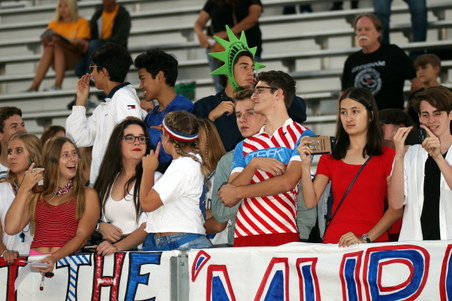
2018-09-21 Villa Park (September 21, 2018)All Photos by Debbie Braasch.
To save a photo to your computer in the high resolution size, double click on the photo you want, it will open in a larger size in a new window. In the new window, at the bottom of the photo, click on "original" and it will again open in a new window in the high res size. Right click and "save as" on the high res size photo and you will have it on your computer. |
| 347 Visits
135 Items
Shared Album | |
|
 | 5.
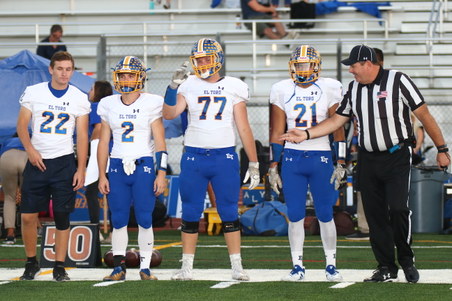
2018-09-14 SVCHS (September 14, 2018)All Photos by Debbie Braasch.
To save a photo to your computer in the high resolution size, double click on the photo you want, it will open in a larger size in a new window. In the new window, at the bottom of the photo, click on "original" and it will again open in a new window in the high res size. Right click and "save as" on the high res size photo and you will have it on your computer. |
| 283 Visits
260 Items
Shared Album | |
|
 | 6.
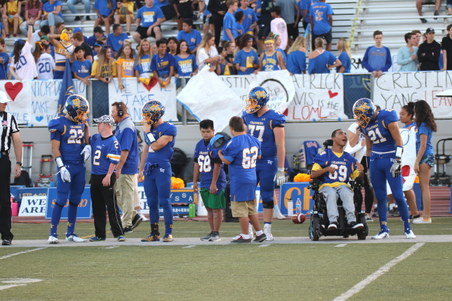
2018-09-07 Trabuco (September 7, 2018)All Photos by Debbie Braasch.
To save a photo to your computer in the high resolution size, double click on the photo you want, it will open in a larger size in a new window. In the new window, at the bottom of the photo, click on "original" and it will again open in a new window in the high res size. Right click and "save as" on the high res size photo and you will have it on your computer. |
| 329 Visits
229 Items
Shared Album | |
|
 | 7.
2018-08-31 CDM (August 31, 2018)All Photos by Debbie Braasch.
To save a photo to your computer in the high resolution size, double click on the photo you want, it will open in a larger size in a new window. In the new window, at the bottom of the photo, click on "original" and it will again open in a new window in the high res size. Right click and "save as" on the high res size photo and you will have it on your computer. |
| 337 Visits
167 Items
Shared Album | |
|
 | 8.
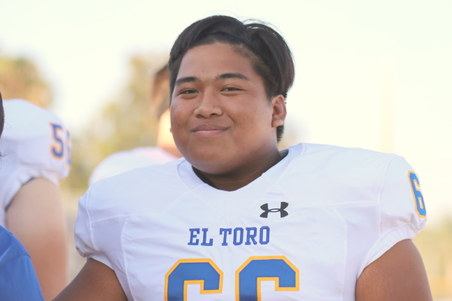
2018-08-23 El Dorado (August 23, 2018)All Photos by Debbie Braasch.
To save a photo to your computer in the high resolution size, double click on the photo you want, it will open in a larger size in a new window. In the new window, at the bottom of the photo, click on "original" and it will again open in a new window in the high res size. Right click and "save as" on the high res size photo and you will have it on your computer. |
| 305 Visits
215 Items
Shared Album | |
|
 | 9.
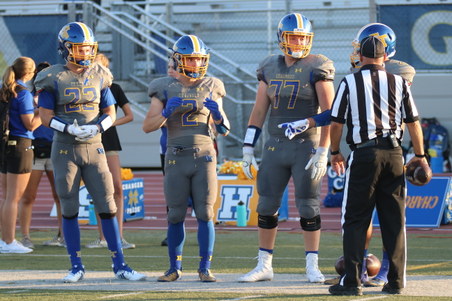
08-17-18 La Mirada (August 17, 2018)All Photos by Debbie Braasch.
To save a photo to your computer in the high resolution size, double click on the photo you want, it will open in a larger size in a new window. In the new window, at the bottom of the photo, click on "original" and it will again open in a new window in the high res size. Right click and "save as" on the high res size photo and you will have it on your computer. |
| 509 Visits
210 Items
Shared Album | |
| |
