 | 1.
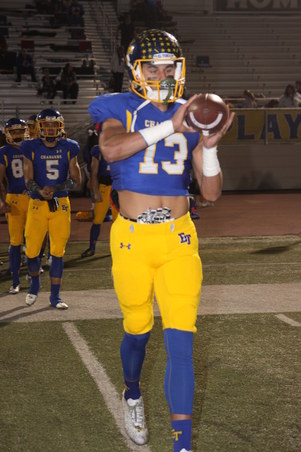
11-24-17 St Francis (November 24, 2017)All Photos by Debbie Braasch.
To save a photo to your computer in the high resolution size, double click on the photo you want, it will open in a larger size in a new window. In the new window, at the bottom of the photo, click on "original" and it will again open in a new window in the high res size. Right click and "save as" on the high res size photo and you will have it on your computer. |
| 682 Visits
231 Items
Shared Album | |
|
 | 2.
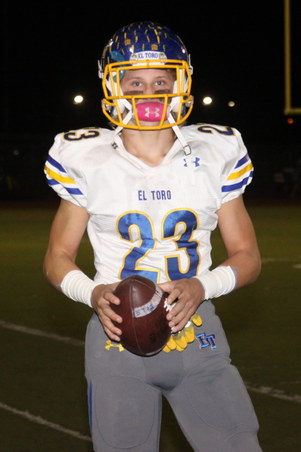
11-17-17 Lompoc (November 17, 2017)All Photos by Debbie Braasch.
To save a photo to your computer in the high resolution size, double click on the photo you want, it will open in a larger size in a new window. In the new window, at the bottom of the photo, click on "original" and it will again open in a new window in the high res size. Right click and "save as" on the high res size photo and you will have it on your computer. |
| 755 Visits
323 Items
Shared Album | |
|
 | 3.
11-10-17 Villa Park (November 10, 2017)All Photos by Debbie Braasch.
To save a photo to your computer in the high resolution size, double click on the photo you want, it will open in a larger size in a new window. In the new window, at the bottom of the photo, click on "original" and it will again open in a new window in the high res size. Right click and "save as" on the high res size photo and you will have it on your computer. |
| 727 Visits
199 Items
Shared Album | |
|
 | 4.
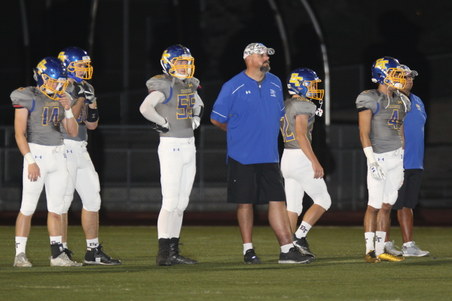
10-27-17 Laguna Hills (October 27, 2017)All Photos by Debbie Braasch.
To save a photo to your computer in the high resolution size, double click on the photo you want, it will open in a larger size in a new window. In the new window, at the bottom of the photo, click on "original" and it will again open in a new window in the high res size. Right click and "save as" on the high res size photo and you will have it on your computer. |
| 654 Visits
312 Items
Shared Album | |
|
 | 5.
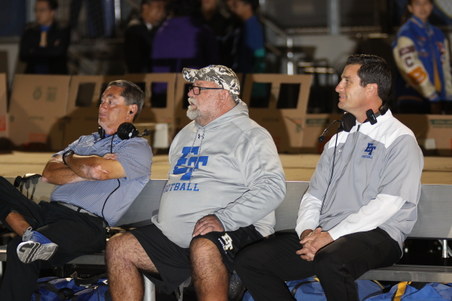
10-20-17 Dana Hills (October 20, 2017)All Photos by Debbie Braasch.
To save a photo to your computer in the high resolution size, double click on the photo you want, it will open in a larger size in a new window. In the new window, at the bottom of the photo, click on "original" and it will again open in a new window in the high res size. Right click and "save as" on the high res size photo and you will have it on your computer. |
| 718 Visits
248 Items
Shared Album | |
|
 | 6.
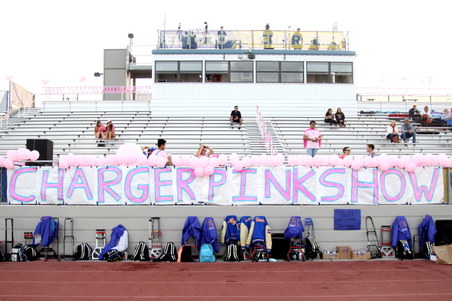
10-13-17 Capo Valley (October 13, 2017)All Photos by Debbie Braasch.
To save a photo to your computer in the high resolution size, double click on the photo you want, it will open in a larger size in a new window. In the new window, at the bottom of the photo, click on "original" and it will again open in a new window in the high res size. Right click and "save as" on the high res size photo and you will have it on your computer. |
| 746 Visits
230 Items
Shared Album | |
|
 | 7.
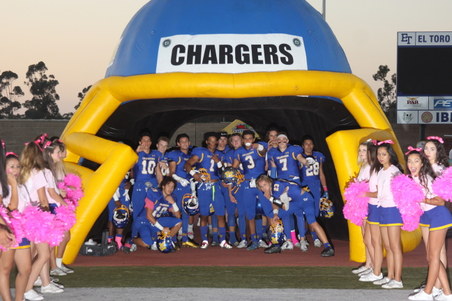
Senior Night Photos (October 13, 2017)All Photos by Debbie Braasch.
To save a photo to your computer in the high resolution size, double click on the photo you want, it will open in a larger size in a new window. In the new window, at the bottom of the photo, click on "original" and it will again open in a new window in the high res size. Right click and "save as" on the high res size photo and you will have it on your computer. |
| 562 Visits
110 Items
Shared Album | |
|
 | 8.
10-06-17 Aliso Viejo (October 16, 2017)All Photos by Debbie Braasch.
To save a photo to your computer in the high resolution size, double click on the photo you want, it will open in a larger size in a new window. In the new window, at the bottom of the photo, click on "original" and it will again open in a new window in the high res size. Right click and "save as" on the high res size photo and you will have it on your computer. |
| 1034 Visits
304 Items
Shared Album | |
|
 | 9.
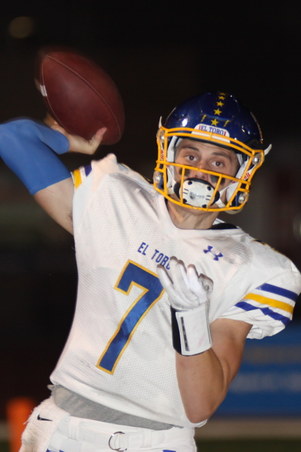
09-29-17 Mission Viejo (September 29, 2017)All Photos by Debbie Braasch.
To save a photo to your computer in the high resolution size, double click on the photo you want, it will open in a larger size in a new window. In the new window, at the bottom of the photo, click on "original" and it will again open in a new window in the high res size. Right click and "save as" on the high res size photo and you will have it on your computer. |
| 464 Visits
174 Items
Shared Album | |
|
 | 10.
09-22-17 SV Christian (September 22, 2017)All Photos by Debbie Braasch.
To save a photo to your computer in the high resolution size, double click on the photo you want, it will open in a larger size in a new window. In the new window, at the bottom of the photo, click on "original" and it will again open in a new window in the high res size. Right click and "save as" on the high res size photo and you will have it on your computer. |
| 807 Visits
300 Items
Shared Album | |
|
 | 11.
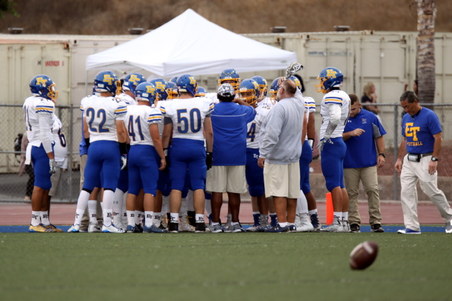
Tesoro 09-15-17 (September 15, 2017)All Photos by Debbie Braasch.
To save a photo to your computer in the high resolution size, double click on the photo you want, it will open in a larger size in a new window. In the new window, at the bottom of the photo, click on "original" and it will again open in a new window in the high res size. Right click and "save as" on the high res size photo and you will have it on your computer. |
| 714 Visits
205 Items
Shared Album | |
|
 | 12.
09-08-17 CDM (September 8, 2017)All Photos by Debbie Braasch.
To save a photo to your computer in the high resolution size, double click on the photo you want, it will open in a larger size in a new window. In the new window, at the bottom of the photo, click on "original" and it will again open in a new window in the high res size. Right click and "save as" on the high res size photo and you will have it on your computer. |
| 449 Visits
150 Items
Shared Album | |
|
 | 13.
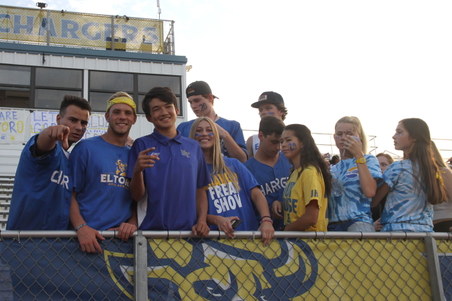
09-01-17 El Dorado (September 1, 2017)All Photos by Debbie Braasch.
To save a photo to your computer in the high resolution size, double click on the photo you want, it will open in a larger size in a new window. In the new window, at the bottom of the photo, click on "original" and it will again open in a new window in the high res size. Right click and "save as" on the high res size photo and you will have it on your computer. |
| 886 Visits
267 Items
Shared Album | |
|
 | 14.
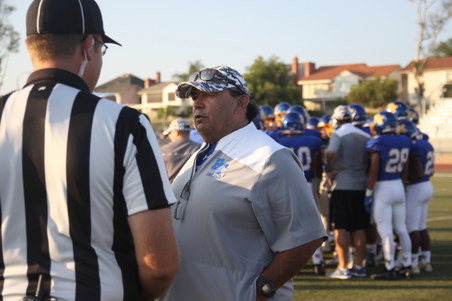
08-25-17 Green Valley (August 25, 2017)All Photos by Debbie Braasch.
To save a photo to your computer in the high resolution size, double click on the photo you want, it will open in a larger size in a new window. In the new window, at the bottom of the photo, click on "original" and it will again open in a new window in the high res size. Right click and "save as" on the high res size photo and you will have it on your computer. |
| 1083 Visits
222 Items
Shared Album | |
|
 | 15.
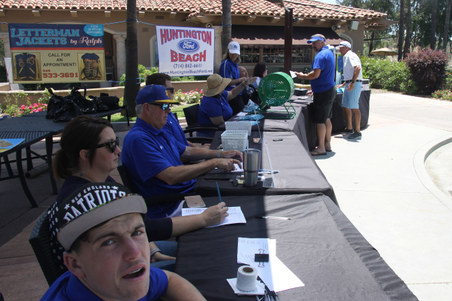
2017 Golf Tournament (June 3, 2017)All Photos by Debbie Braasch.
To save a photo to your computer in the high resolution size, double click on the photo you want, it will open in a larger size in a new window. In the new window, at the bottom of the photo, click on "original" and it will again open in a new window in the high res size. Right click and "save as" on the high res size photo and you will have it on your computer. |
| 417 Visits
111 Items
Shared Album | |
| |
