 | 1.
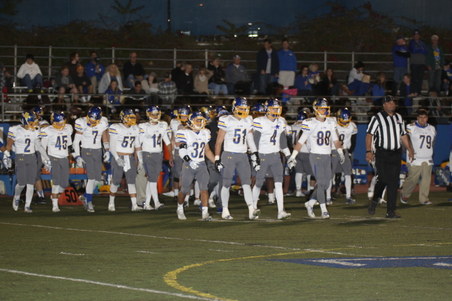
11-13-15 Vista Murrieta (November 13, 2015)All Photos by Debbie Braasch.
To save a photo to your computer in the high resolution size, double click on the photo you want, it will open in a larger size in a new window. In the new window, at the bottom of the photo, click on "original" and it will again open in a new window in the high res size. Right click and "save as" on the high res size photo and you will have it on your computer. :) |
| 522 Visits
311 Items
Shared Album | |
|
 | 2.
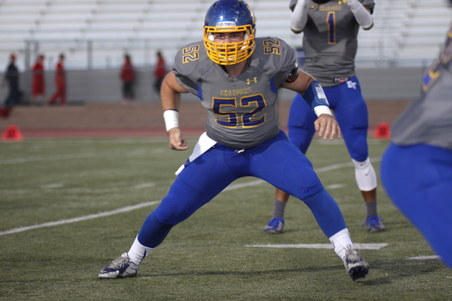
11-06-15 Dana Hills (November 6, 2015)All photos by Brian Braasch and Debbie Braasch.
To save a photo to your computer in the high resolution size, double click on the photo you want, it will open in a larger size in a new window. In the new window, at the bottom of the photo, click on "original" and it will again open in a new window in the high res size. Right click and "save as" on the high res size photo and you will have it on your computer. :) |
| 413 Visits
221 Items
Shared Album | |
|
 | 3.
10-30-15 Mission Viejo (October 30, 2015)All Photos by Debbie Braasch.
To save a photo to your computer in the high resolution size, double click on the photo you want, it will open in a larger size in a new window. In the new window, at the bottom of the photo, click on "original" and it will again open in a new window in the high res size. Right click and "save as" on the high res size photo and you will have it on your computer. :) |
| 501 Visits
221 Items
Shared Album | |
|
 | 4.
10-30-15 Senior Night (October 30, 2015)All Photos by Debbie Braasch.
To save a photo to your computer in the high resolution size, double click on the photo you want, it will open in a larger size in a new window. In the new window, at the bottom of the photo, click on "original" and it will again open in a new window in the high res size. Right click and "save as" on the high res size photo and you will have it on your computer. :) |
| 346 Visits
35 Items
Shared Album | |
|
 | 5.
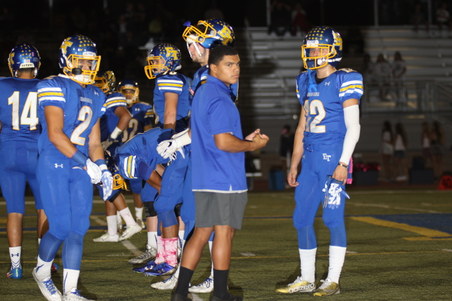
10-16-15 San Juan Hills (October 16, 2015)All Photos by Debbie Braasch.
To save a photo to your computer in the high resolution size, double click on the photo you want, it will open in a larger size in a new window. In the new window, at the bottom of the photo, click on "original" and it will again open in a new window in the high res size. Right click and "save as" on the high res size photo and you will have it on your computer. :) |
| 446 Visits
263 Items
Shared Album | |
|
 | 6.
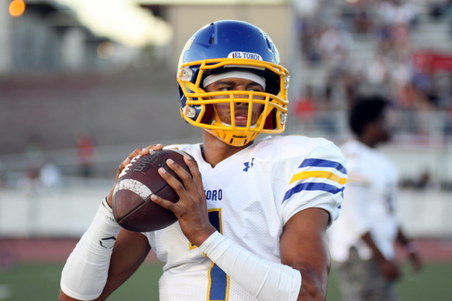
10-09-15 Tesoro (October 9, 2015)All Photos by Debbie Braasch.
To save a photo to your computer in the high resolution size, double click on the photo you want, it will open in a larger size in a new window. In the new window, at the bottom of the photo, click on "original" and it will again open in a new window in the high res size. Right click and "save as" on the high res size photo and you will have it on your computer. :) |
| 523 Visits
251 Items
Shared Album | |
|
 | 7.
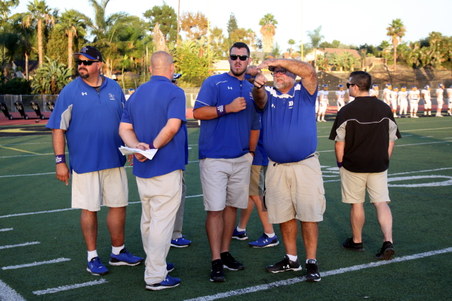
10-02-15 Capo Valley (October 2, 2015)All Photos by Debbie Braasch.
To save a photo to your computer in the high resolution size, double click on the photo you want, it will open in a larger size in a new window. In the new window, at the bottom of the photo, click on "original" and it will again open in a new window in the high res size. Right click and "save as" on the high res size photo and you will have it on your computer. :) |
| 717 Visits
324 Items
Shared Album | |
|
 | 8.
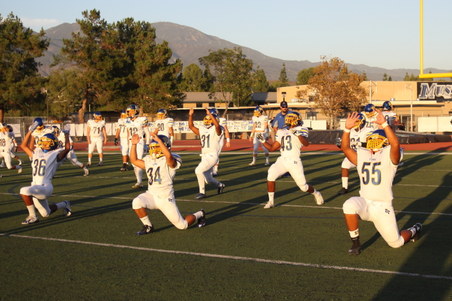
09-25-15 Trabuco (September 25, 2015)All Photos by Debbie Braasch.
To save a photo to your computer in the high resolution size, double click on the photo you want, it will open in a larger size in a new window. In the new window, at the bottom of the photo, click on "original" and it will again open in a new window in the high res size. Right click and "save as" on the high res size photo and you will have it on your computer. :) |
| 517 Visits
374 Items
Shared Album | |
|
 | 9.
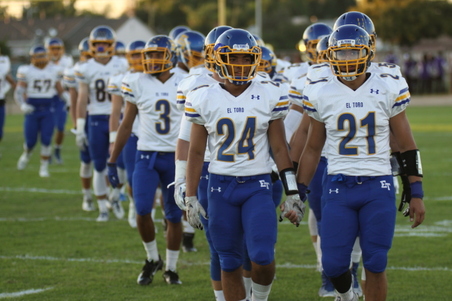
9-18-15 Norwalk (September 18, 2015)All Photos by Debbie Braasch.
To save a photo to your computer in the high resolution size, double click on the photo you want, it will open in a larger size in a new window. In the new window, at the bottom of the photo, click on "original" and it will again open in a new window in the high res size. Right click and "save as" on the high res size photo and you will have it on your computer. :) |
| 511 Visits
213 Items
Shared Album | |
|
 | 10.
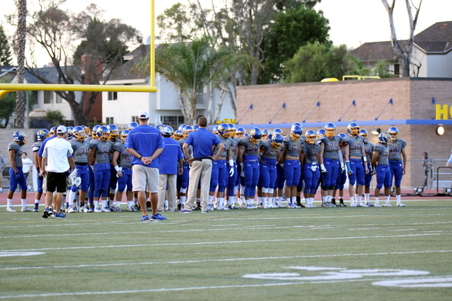
09-11-15 Corona Del Mar (September 11, 2015)All Photos by Debbie Braasch.
Never forget.
To save a photo to your computer in the high resolution size, double click on the photo you want, it will open in a larger size in a new window. In the new window, at the bottom of the photo, click on "original" and it will again open in a new window in the high res size. Right click and "save as" on the high res size photo and you will have it on your computer. :) |
| 554 Visits
308 Items
Shared Album | |
|
 | 11.
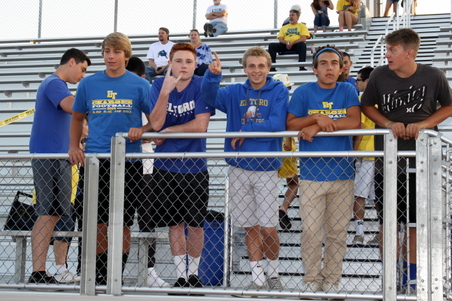
09-04-15 Eastlake (September 4, 2015)All Photos by Debbie Braasch.
To save a photo to your computer in the high resolution size, double click on the photo you want, it will open in a larger size in a new window. In the new window, at the bottom of the photo, click on "original" and it will again open in a new window in the high res size. Right click and "save as" on the high res size photo and you will have it on your computer. :) |
| 626 Visits
310 Items
Shared Album | |
|
 | 12.
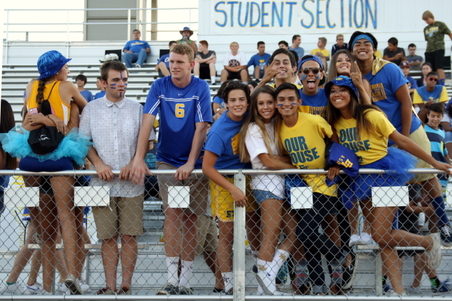
08-28-15 La Habra (August 28, 2015)All Photos by Debbie Braasch.
To save a photo to your computer in the high resolution size, double click on the photo you want, it will open in a larger size in a new window. In the new window, at the bottom of the photo, click on "original" and it will again open in a new window in the high res size. Right click and "save as" on the high res size photo and you will have it on your computer. :) |
| 745 Visits
208 Items
Shared Album | |
|
 | 13.
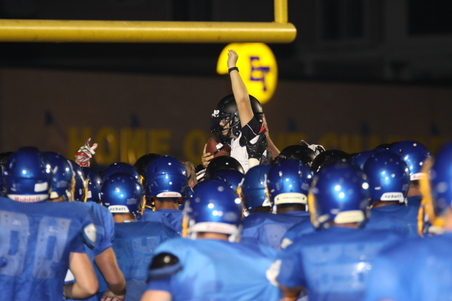
08-21-15 San Clemente Scrimmage (August 21, 2015)All Photos by Debbie Braasch.
To save a photo to your computer in the high resolution size, double click on the photo you want, it will open in a larger size in a new window. In the new window, at the bottom of the photo, click on "original" and it will again open in a new window in the high res size. Right click and "save as" on the high res size photo and you will have it on your computer. :) |
| 428 Visits
169 Items
Shared Album | |
|
 | 14.
2015 Golf Tournament (June 13, 2015)All Photos by Debbie Braasch.
To save a photo to your computer in the high resolution size, double click on the photo you want, it will open in a larger size in a new window. In the new window, at the bottom of the photo, click on "original" and it will again open in a new window in the high res size. Right click and "save as" on the high res size photo and you will have it on your computer. :) |
| 472 Visits
116 Items
Shared Album | |
| |
